
Traffic Warrants in Sequoyah County
Everything starts with a citation. A city officer may write one into municipal court, or a county traffic case may land in District Court. Miss a promised or ordered appearance and the court can enter an FTA or bench-warrant event. Unpaid fines and costs can spark a separate court process too. Only the issuing court can say which label fits and what remedy applies. Sequoyah County gives you one Court Clerk route plus five city routes, so the citation itself tells you where to go. The sheriff's Most Wanted page is not a traffic warrant register for Sequoyah County, and a payment vendor can show a balance while an FTA issue still waits on the clerk or judge. Ask the court, not the vendor, before assuming the warrant is gone.
| Court | Traffic route | Phone |
|---|---|---|
| District Court | OSCN docket and e-Payments | 918-775-4411 |
| Sallisaw Municipal Court | City Hall and clerk | 918-775-6241 Ext. 118 |
| Roland Municipal Court | Municipal Online Services | 918-427-6829 |
| Muldrow, Gore, Vian | nCourt payment and clerk calls | Local numbers vary |
How to Check a Sequoyah Traffic Warrant
Pull out the paper citation, case number, or payment-plan number before anything else. For a District Court case, open OSCN Dockets and pick Sequoyah. For payments, OSCN e-Payments wants the county plus a case, citation, or payment-plan number. It also warns that municipal and sheriff citation formats differ across Sequoyah County.
- Identify the issuing city or District Court.
- Search the official court or vendor with the citation or cause number.
- Read any FTA, bench-warrant, payment, bond, or recall event.
- Call the clerk and ask if payment alone lifts the process.
- Keep proof and confirm the next court date or state compliance step.
A blank vendor result is not proof that no warrant exists in Sequoyah County. Ask whether the case moved to collections, another court, or a judge's docket.
Sequoyah Traffic Portal Fields
Each official interface asks for different fields. Roland's portal is the most field-rich city route, though it searches citations rather than every Sequoyah County warrant. OSCN e-Payments requires a number. Muldrow, Gore, and Vian nCourt pages offer payment and phone help without a full public warrant form.
| Portal | Fields observed | Important limit |
|---|---|---|
| OSCN e-Payments | County; case, citation, or payment-plan number | Not a name-based warrant search |
| Roland Tyler portal | Citation; DL and state; SSN and DOB; plate and state; name and DOB; business | Returned citation data is not a warrant-status code |
| nCourt cities | Citation, call reason, resolution, comments, phone payment | Clerk must confirm court status |
What a Traffic Warrant Shows
A Sequoyah County traffic record may show the citation, court, date, FTA event, payment line, warrant entry, bond, and any later recall or return. A cause number identifies the case. It may not be the warrant number. A payment alone does not prove the judge recalled the process.
| Citation or case | Links the ticket to a city or District Court file. |
|---|---|
| Court date | Shows the setting that may have been missed. |
| FTA event | Records a failure to appear or comply with a court setting. |
| Payment or bond | Shows a financial entry, not necessarily the end of the warrant. |
| Recall or reset | Shows court action that must still be confirmed with the clerk. |
Paying or Lifting a Traffic Warrant
When you reach the issuing clerk, ask five things: the full total, any FTA or collection amount, whether a payment plan exists, whether a judge appearance is required, and whether payment itself recalls the warrant. Sallisaw sends city traffic fines to City Hall at 115 E. Choctaw. Roland links its portal for fines and costs. Muldrow, Gore, and Vian publish nCourt phone-payment routes. The nCourt pages list weekday and weekend phone hours but no complete warrant-clearing rule, fee, bond amount, or recall form, so treat a vendor receipt as proof of payment only until the city court confirms the warrant status. For a District Court case in Sequoyah County, call the Court Clerk before sending money through e-Payments. The clerk's answer, not the receipt, tells you where the warrant stands.
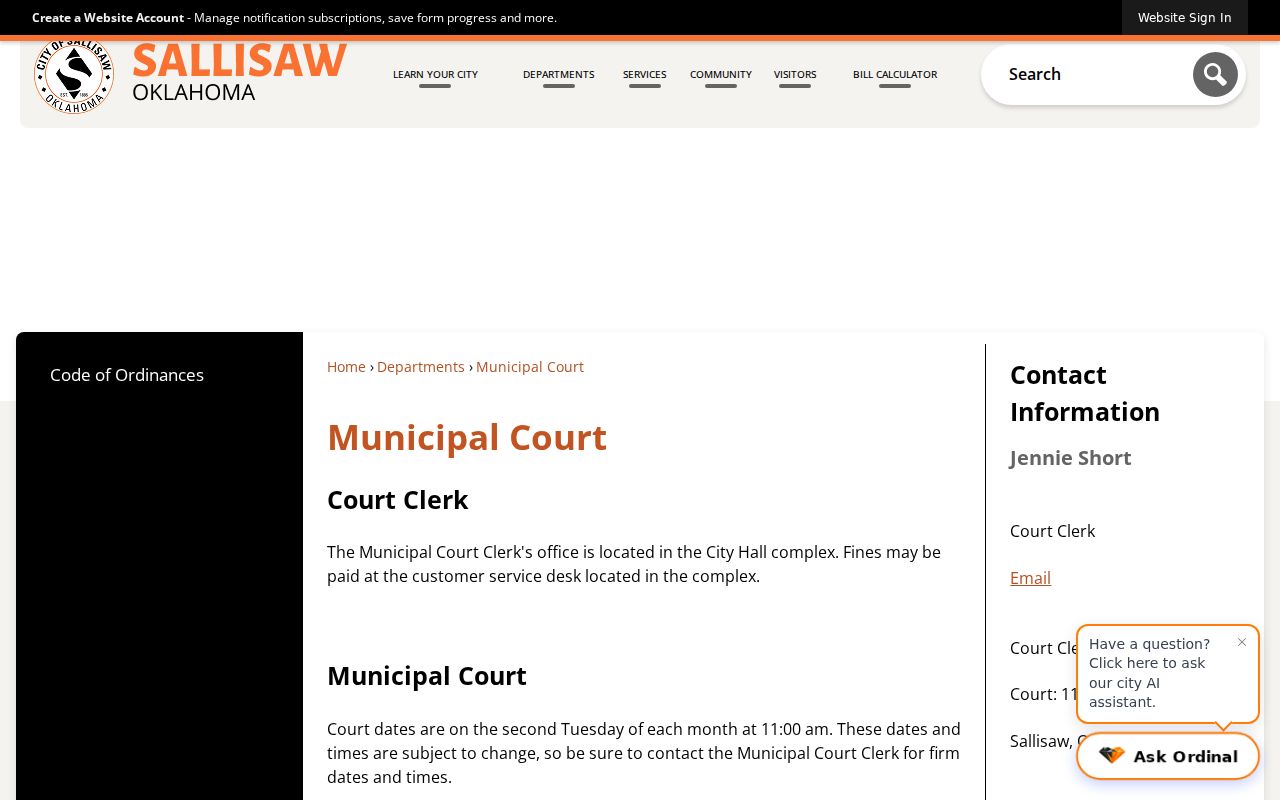
City Hall details sit on the official Sallisaw Municipal Court page. Its payment location is not a countywide Sequoyah County traffic search.
FTA Reporting and State Compliance
Oklahoma materials describe traffic release, failure to appear, failure to pay, and failure to comply reporting to Service Oklahoma. A traffic case can therefore trigger a separate compliance or suspension issue. Service Oklahoma's public violations and reinstatement hub is not a Sequoyah County warrant database, and a state compliance payment does not automatically recall a city or District Court warrant. Split the work. Use the court for the warrant and the state service for any reinstatement step. Ask for the exact case total and the document proving the court process was lifted. Keep the future setting too, because payment or recall does not dispose of the underlying citation or criminal case in Sequoyah County.
Traffic Court Records and Sealed Access
Public court access in Sequoyah County follows the Oklahoma Open Records Act and court-record rules. 51 O.S. § 24A.5 covers open and confidential records, while 51 O.S. § 24A.30 covers sealing. Juvenile and protected material may not appear.
Keep the framing clear: A traffic warrant record covers a court citation, docket, FTA, bond, payment, recall, or setting. It is not a driving record, points report, insurance file, or DMV history.
The sealing rule comes from the official OSCN sealing-rule source. A missing Sequoyah County public document is the clerk's question to answer, not yours to guess.
Which Office Confirms the Ticket
Call 918-775-4411 for a Sequoyah District Court traffic case. Use 918-775-6241 for Sallisaw, 918-427-6829 for Roland, 918-427-3226 for Muldrow, 918-773-8110 for Vian, and 918-489-5984 for Gore. Sheriff dispatch at 918-775-9155 handles county service and custody routing, not traffic clerking. If the clerk says the case moved, write down the destination, the case number, and the required action. A nearby city can have a similar citation path, and a District Court file can stay open after a city payment. Sequoyah County confirmation counts only when it comes from the court that issued the citation.
Finish With a Court-Confirmed Record
End with a clear next step: a receipt plus a court confirmation, a new date, a bond instruction, a recall order, or a separately complete state compliance action. Take the Sequoyah city court warrant route when a municipality issued the citation. Use the county warrant check for broader OSCN and sheriff routing across Sequoyah County.
Do not assume that partial payment, a vendor “paid” label, or an empty sheriff page means the FTA warrant has been recalled.
Traffic Citation Details Must Stay With the Court
A Roland ticket is tied to the license, plate, name, and birth date on the citation, not to a broader driver record. Sallisaw and the nCourt city payment routes work the same way in Sequoyah County. Confirm details with the clerk first. If the ticket moved courts, get the new case number before you pay.